| Startup Ranking |
1 month ago |
Contact Phone |
|
17688973347 |
| Startup Ranking |
1 month ago |
Logo |
 |
 |
| Startup Ranking |
1 month ago |
Twitter |
PDFReaderPro |
compdfkit |
| Startup Ranking |
1 month ago |
Facebook |
PDFProApp |
compdfkit |
| Startup Ranking |
1 month ago |
Description |
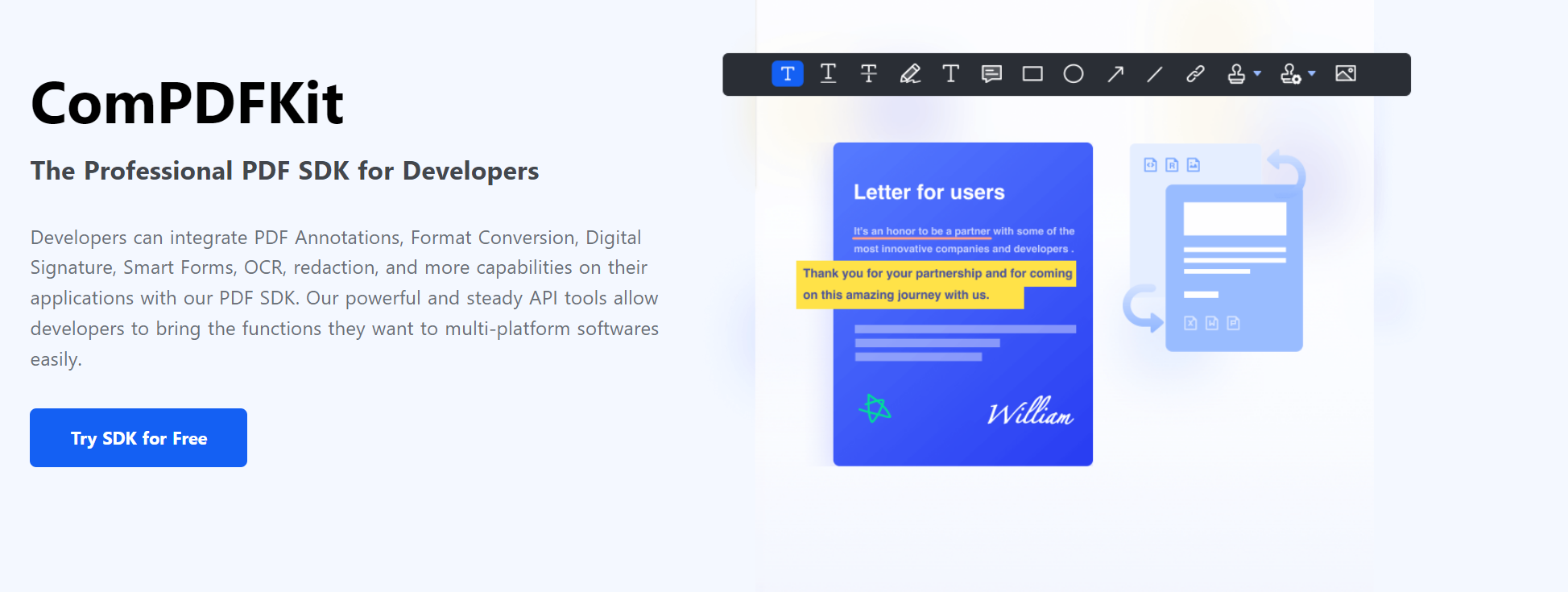
ComPDFKit, a software development kit (SDK), consists of PDF SDK and PDF Conversion SDK. Developers can integrate PDF Annotations, Format Conversion, Digital Signature, Smart Forms, OCR, redaction, and more capabilities on their applications with our PDF SDK. Our powerful and steady API tools allow developers to bring the functions they want to multi-platform softwares easily.
Benefits:
1. Faster Time-to-Market. Bring the functions you need without a long-term development process to roll out your applications and projects by ComPDFKit SDK.
2. Easy-to-use Core API. Integrate PDF functionality easily with our powerful, stable, and well-documented PDF APIs to build better developer experience without requiring deep PDF knowledge.
3. Fully Customizable UI. Design unique interface of your products with fully customizable UI source code by a high-performing SDK.
4. Future-oriented. Keep optimizing our SDK and accommodate your future needs to improve the competitiveness of your application.
Features:
1. Viewer:
- Standard page display modes, including Scrolling, Double page, Crop mode, and Cover mode.
- Navigation with thumbnails, outlines, and bookmarks.
- Text search & selection.
- Zoom in and out & Fit-page.
- Switch between different themes, including Dark mode, Sepia mode, Reseda mode, and Custom color mode.
- Text reflow.
2. Annotations:
- Create, edit and remove annotations, including Note, Link, Freetext, Line, Square, Circle, Highlight, Underline, Squiggly, Strikeout, Stamp, Ink, Sound
- Support for annotation appearances.
- Import and export annotations to/from XFDF.
- Support for annotation flattening.
3. Forms:
- Create, edit and remove form fields, including Push Button, Check Box, Radio Button, Text Field, Combo Box, List Box, and Signature.
- Fill PDF Forms.
- Support for PDF form flattening.
4. Document editor:
- PDF manipulation, including Split pages, Extract pages, and Merge pages.
- Page edit, including Delete pages, Insert pages, Crop pages, Move pages, Rotate pages, Replace pages, and Exchange pages.
- Document information setting.
- Extract images.
5. Security:
- Encrypt and decrypt PDFs, including Permission setting and Password protected.
- Create, edit, and remove watermark.
- Redact content including images, text, and vector graphics.
- Create, edit, and remove header & footer, including dates, page numbers, document name, author name, and chapter name.
- Create, edit, and remove bates numbers.
- Create, edit, and remove background that can be a solid color or an image.
6. Conversion:
- PDF to Word.
- PDF to Excel.
- PDF to PPT.
- PDF to TXT.
- PDF to CSV.
- PDF to PDF/A. |
ComPDFKit, a software development kit (SDK), consists of PDF SDK and PDF Conversion SDK. Developers can integrate PDF Annotations, Format Conversion, Digital Signature, Smart Forms, OCR, redaction, and more capabilities on their applications with our PDF SDK. Our powerful and steady API tools allow developers to bring the functions they want to multi-platform softwares easily.
1. Faster Time-to-Market. Bring the functions you need without a long-term development process to roll out your applications and projects by ComPDFKit SDK.
2. Easy-to-use Core API. Integrate PDF functionality easily with our powerful, stable, and well-documented PDF APIs to build better developer experience without requiring deep PDF knowledge.
3. Fully Customizable UI. Design unique interface of your products with fully customizable UI source code by a high-performing SDK.
4. Future-oriented. Keep optimizing our SDK and accommodate your future needs to improve the competitiveness of your application. |
| Startup Ranking |
1 month ago |
Employees Number |
|
51 - 100 |
| White Victoria |
4 years ago |
Description |
ComPDFKit, a software development kit (SDK), consists of PDF SDK and PDF Conversion SDK. Developers can integrate PDF Annotations, Format Conversion, Digital Signature, Smart Forms, OCR, redaction, and more capabilities on their applications with our PDF SDK. Our powerful and steady API tools allow developers to bring the functions they want to multi-platform softwares easily.
1. Faster Time-to-Market. Bring the functions you need without a long-term development process to roll out your applications and projects by ComPDFKit SDK.
2. Easy-to-use Core API. Integrate PDF functionality easily with our powerful, stable, and well-documented PDF APIs to build better developer experience without requiring deep PDF knowledge.
3. Fully Customizable UI. Design unique interface of your products with fully customizable UI source code by a high-performing SDK.
4. Future-oriented. Keep optimizing our SDK and accommodate your future needs to improve the competitiveness of your application. |
ComPDFKit, a software development kit (SDK), consists of PDF SDK and PDF Conversion SDK. Developers can integrate PDF Annotations, Format Conversion, Digital Signature, Smart Forms, OCR, redaction, and more capabilities on their applications with our PDF SDK. Our powerful and steady API tools allow developers to bring the functions they want to multi-platform softwares easily.
Benefits:
1. Faster Time-to-Market. Bring the functions you need without a long-term development process to roll out your applications and projects by ComPDFKit SDK.
2. Easy-to-use Core API. Integrate PDF functionality easily with our powerful, stable, and well-documented PDF APIs to build better developer experience without requiring deep PDF knowledge.
3. Fully Customizable UI. Design unique interface of your products with fully customizable UI source code by a high-performing SDK.
4. Future-oriented. Keep optimizing our SDK and accommodate your future needs to improve the competitiveness of your application.
Features:
1. Viewer:
- Standard page display modes, including Scrolling, Double page, Crop mode, and Cover mode.
- Navigation with thumbnails, outlines, and bookmarks.
- Text search & selection.
- Zoom in and out & Fit-page.
- Switch between different themes, including Dark mode, Sepia mode, Reseda mode, and Custom color mode.
- Text reflow.
2. Annotations:
- Create, edit and remove annotations, including Note, Link, Freetext, Line, Square, Circle, Highlight, Underline, Squiggly, Strikeout, Stamp, Ink, Sound
- Support for annotation appearances.
- Import and export annotations to/from XFDF.
- Support for annotation flattening.
3. Forms:
- Create, edit and remove form fields, including Push Button, Check Box, Radio Button, Text Field, Combo Box, List Box, and Signature.
- Fill PDF Forms.
- Support for PDF form flattening.
4. Document editor:
- PDF manipulation, including Split pages, Extract pages, and Merge pages.
- Page edit, including Delete pages, Insert pages, Crop pages, Move pages, Rotate pages, Replace pages, and Exchange pages.
- Document information setting.
- Extract images.
5. Security:
- Encrypt and decrypt PDFs, including Permission setting and Password protected.
- Create, edit, and remove watermark.
- Redact content including images, text, and vector graphics.
- Create, edit, and remove header & footer, including dates, page numbers, document name, author name, and chapter name.
- Create, edit, and remove bates numbers.
- Create, edit, and remove background that can be a solid color or an image.
6. Conversion:
- PDF to Word.
- PDF to Excel.
- PDF to PPT.
- PDF to TXT.
- PDF to CSV.
- PDF to PDF/A. |
| Winifred Ellis |
4 years ago |
Facebook |
|
PDFProApp |
| Winifred Ellis |
4 years ago |
Blog URL |
|
https://www.compdf.com/blog |
| Winifred Ellis |
4 years ago |
Twitter |
|
PDFReaderPro |
| Winifred Ellis |
4 years ago |
Product Hunt |
|
https://www.producthunt.com/products/compdfkit |
| Winifred Ellis |
4 years ago |
CrunchBase |
|
compdfkit |
| Winifred Ellis |
4 years ago |
Logo |
|
|
| Winifred Ellis |
4 years ago |
Screenshot |
|
 |
| Winifred Ellis |
4 years ago |
Contact E-mail |
|
[email protected] |
| Winifred Ellis |
4 years ago |
Tags |
|
- PDF
- Documents
- SDK
- Tools
- Technology
- Productivity
- Business
- Education
- Finance
|
| Winifred Ellis |
4 years ago |
State |
|
Singapore |
| Winifred Ellis |
4 years ago |
Type |
|
Startup |
| Winifred Ellis |
4 years ago |
Business Type |
|
B2B (Business to Business) |
| Winifred Ellis |
4 years ago |
Industry |
|
Software, Internet & Computer Services |
| Winifred Ellis |
4 years ago |
State Status |
|
Unknown |
| Winifred Ellis |
4 years ago |
Name |
|
ComPDFKit |
| Winifred Ellis |
4 years ago |
Legal Name |
|
ComPDFKit |
| Winifred Ellis |
4 years ago |
Phrase |
|
The Professional PDF SDK for Developers |
| Winifred Ellis |
4 years ago |
Country |
|
Singapore |
| Winifred Ellis |
4 years ago |
Features |
|
Viewer:
- Standard page display modes, including Scrolling, Double page, Crop mode, and Cover mode.
- Navigation with thumbnails, outlines, and bookmarks.
- Text search & selection.
- Zoom in and out & Fit-page.
- Switch between different themes, including Dark mode, Sepia mode, Reseda mode, and Custom color mode.
- Text reflow.
Annotations:
- Create, edit and remove annotations, including Note, Link, Freetext, Line, Square, Circle, Highlight, Underline, Squiggly, Strikeout, Stamp, Ink, Sound
- Support for annotation appearances.
- Import and export annotations to/from XFDF.
- Support for annotation flattening.
Forms:
- Create, edit and remove form fields, including Push Button, Check Box, Radio Button, Text Field, Combo Box, List Box, and Signature.
- Fill PDF Forms.
- Support for PDF form flattening.
Document editor:
- PDF manipulation, including Split pages, Extract pages, and Merge pages.
- Page edit, including Delete pages, Insert pages, Crop pages, Move pages, Rotate pages, Replace pages, and Exchange pages.
- Document information setting.
- Extract images.
Security:
- Encrypt and decrypt PDFs, including Permission setting and Password protected.
- Create, edit, and remove watermark.
- Redact content including images, text, and vector graphics.
- Create, edit, and remove header & footer, including dates, page numbers, document name, author name, and chapter name.
- Create, edit, and remove bates numbers.
- Create, edit, and remove background that can be a solid color or an image.
Conversion:
- PDF to Word.
- PDF to Excel.
- PDF to PPT.
- PDF to TXT.
- PDF to CSV.
- PDF to PDF/A. |
| Winifred Ellis |
4 years ago |
Description |
|
ComPDFKit, a software development kit (SDK), consists of PDF SDK and PDF Conversion SDK. Developers can integrate PDF Annotations, Format Conversion, Digital Signature, Smart Forms, OCR, redaction, and more capabilities on their applications with our PDF SDK. Our powerful and steady API tools allow developers to bring the functions they want to multi-platform softwares easily.
1. Faster Time-to-Market. Bring the functions you need without a long-term development process to roll out your applications and projects by ComPDFKit SDK.
2. Easy-to-use Core API. Integrate PDF functionality easily with our powerful, stable, and well-documented PDF APIs to build better developer experience without requiring deep PDF knowledge.
3. Fully Customizable UI. Design unique interface of your products with fully customizable UI source code by a high-performing SDK.
4. Future-oriented. Keep optimizing our SDK and accommodate your future needs to improve the competitiveness of your application. |
| Winifred Ellis |
4 years ago |
Date Founded |
|
2022-01-10 |
| Winifred Ellis |
4 years ago |
URL |
|
www.compdf.com |