LinkedIn outreach works best when it feels personal, but doing it manually at scale is nearly impossible. Sales teams and recruiters who rely on LinkedIn for pipeline generation eventually hit the same wall: connection requests, follow-ups, and profile visits take hours that could be spent closing deals.
That's where LinkedIn automation tools come in. The right platform can handle repetitive outreach tasks, keep your messaging consistent, and give you visibility into what's actually converting — all while staying within LinkedIn's usage limits. The wrong one can get your account restricted.
Below is a breakdown of the top LinkedIn automation tools for outreach in 2026, what each one does well, and who they're built for.
Methodology: How We Chose These Tools
This isn't a random list of the six most-advertised LinkedIn automation tools. Each platform below was evaluated against the same five criteria, using publicly verifiable data rather than marketing claims:
- Verified user ratings across multiple platforms. We cross-referenced G2, Capterra, and Trustpilot rather than relying on a single source, since G2 and Capterra ratings can diverge depending on which segment of users leaves reviews.
- Review volume, not just review score. A 4.8 rating from 20 reviews carries far less weight than a 4.5 rating from 1,000+ reviews. We prioritized tools with a meaningful sample size.
- Architecture and account safety. Cloud-based tools with dedicated IPs and built-in daily limits generally carry lower account-restriction risk than browser-extension tools that run through your local session — this is weighted heavily given how often account bans come up in user feedback.
- Feature depth for outreach specifically. We looked for sequence logic, personalization, CRM/analytics, and integrations — not just "send a connection request" functionality.
- Named use case fit. Rather than ranking tools on a single "best overall" axis, each tool below is matched to the team profile it actually serves well, since no single platform fits every buyer.
Ratings cited below reflect publicly available G2 and Capterra listings as of 2026 and are approximate, since review counts and averages shift over time. We'd encourage checking the live listings before making a final decision.
What to Look For in a LinkedIn Automation Tool
Before comparing specific platforms, it helps to know which features actually matter:
- Cloud-based vs. browser extension. Cloud tools run outreach from external servers, which is generally safer for your account than browser extensions that rely on your local IP and session.
- Safety limits and warm-up. Look for built-in daily action limits and gradual ramp-up features that mimic human behavior.
- Multichannel capability. The best tools now combine LinkedIn with email to increase reply rates.
- CRM and integration support. Native integrations with HubSpot, Salesforce, or Pipedrive save hours of manual data entry.
- Personalization at scale. Dynamic fields, conditional sequences, and A/B testing separate basic tools from advanced ones.
With that in mind, here are the tools worth considering.
1. Dripify
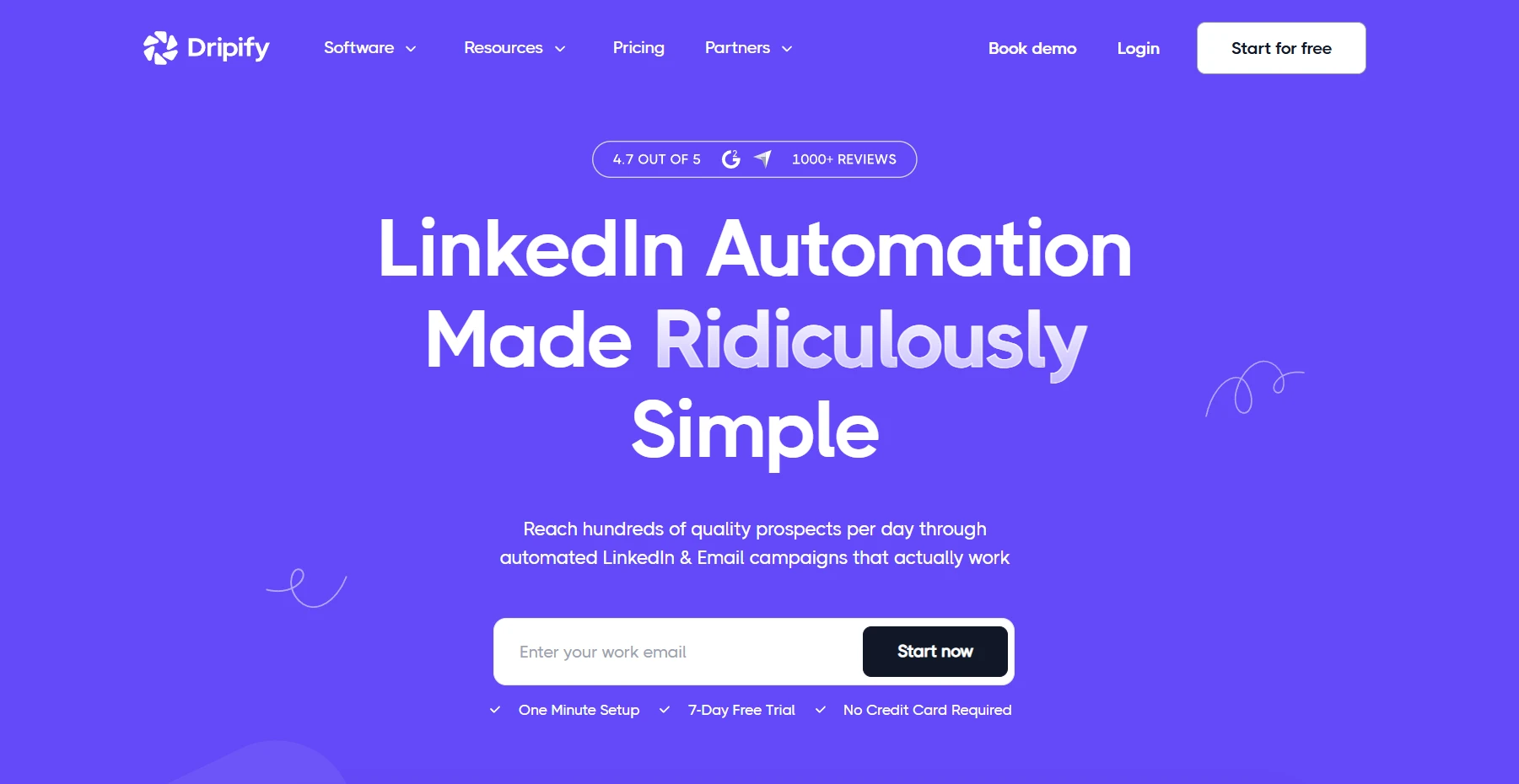
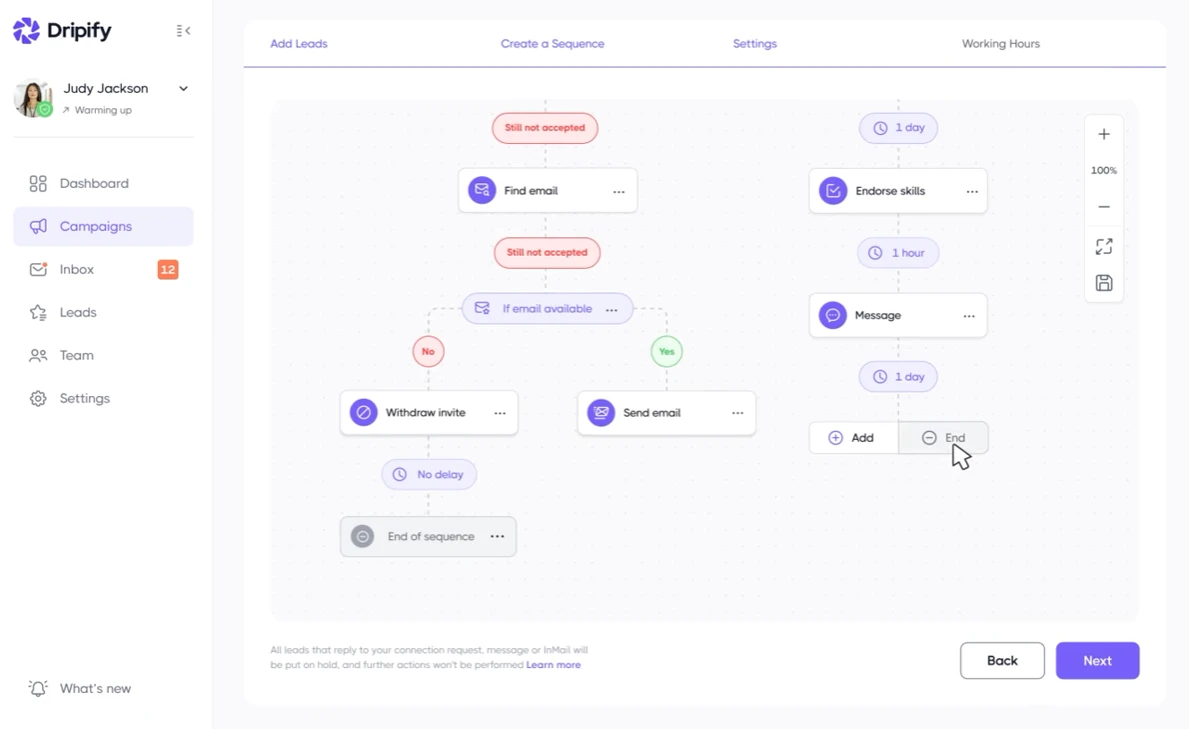
Dripify is a cloud-based LinkedIn automation platform built specifically for sales teams that need to run outreach campaigns without manually managing every step. It automates connection requests, follow-up messages, profile visits, and endorsements through drip sequences that run in the background, even when you're offline.
What sets it apart is the combination of safety and simplicity. Because it operates in the cloud rather than as a browser extension, it doesn't depend on your local device staying online, and it applies daily action limits designed to keep behavior within LinkedIn's normal usage patterns. Teams also get a shared dashboard where managers can track every rep's campaigns, response rates, and pipeline activity in one place.
Why it made the list: Dripify holds roughly a 4.5/5 rating on G2 across 300+ verified reviews, and a similarly strong score on Capterra, with review volume well above most competitors in this category — a meaningful sample size for a B2B software niche this specific. Users most frequently cite ease of setup, time savings from automated sequencing, and reliable campaign management as the reasons they keep the subscription. The most common criticism across review platforms is pricing at scale for larger teams, along with a lack of native A/B testing (campaigns have to be duplicated and compared manually) — worth factoring in if that's a priority feature for you.
Key features include:
- Drip campaigns with conditional logic (if a prospect replies, the sequence adjusts automatically)
- A built-in CRM to tag, filter, and export leads
- Team management with performance analytics per seat
- Integrations with Zapier, HubSpot, and Pipedrive
- Detailed campaign analytics, including reply and conversion rates by sequence step
For teams comparing tools, Dripify linkedin automation is generally regarded as one of the more balanced options — strong on safety, straightforward to set up, and priced reasonably for small and mid-sized sales teams. It's a solid starting point if you want automation without a steep learning curve.
Best for: Sales teams and agencies that want reliable cloud-based automation with minimal setup time.
2. Expandi
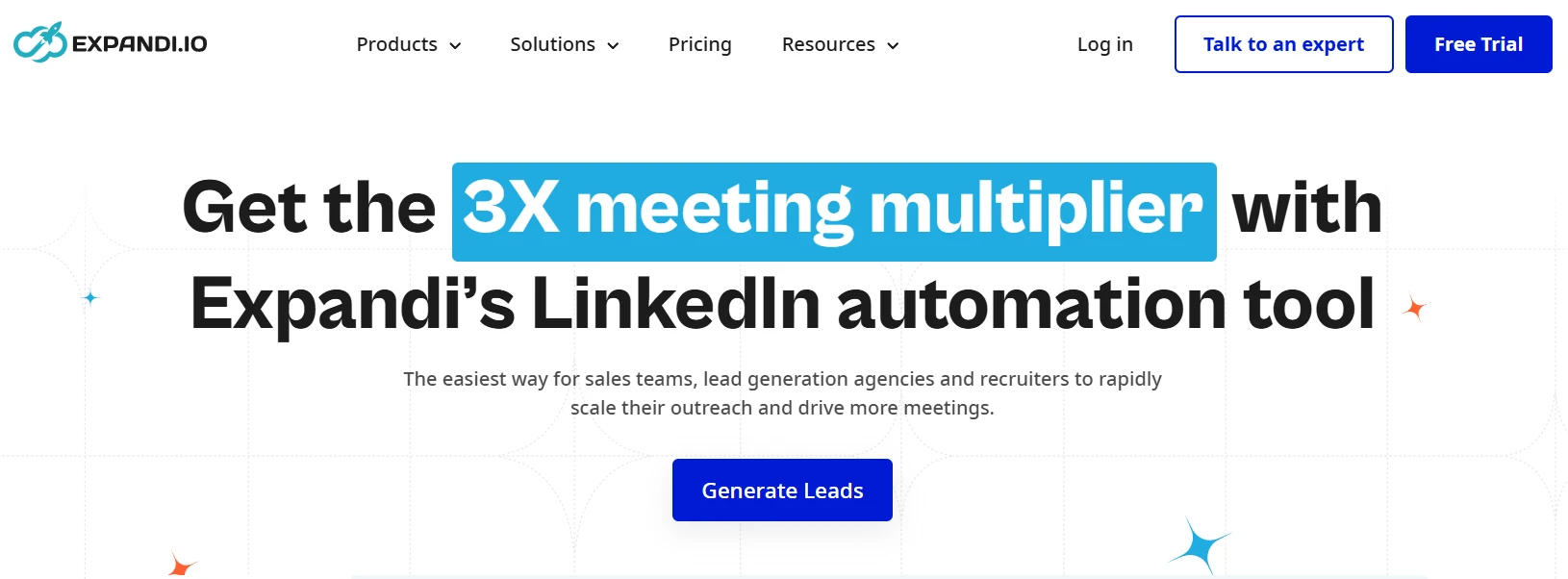
Expandi was one of the earlier cloud-based tools to focus heavily on account safety, and it remains a popular choice among agencies running outreach for multiple clients. It supports both LinkedIn and email in the same sequence, along with a "smart sequences" feature that adapts messaging based on prospect behavior.
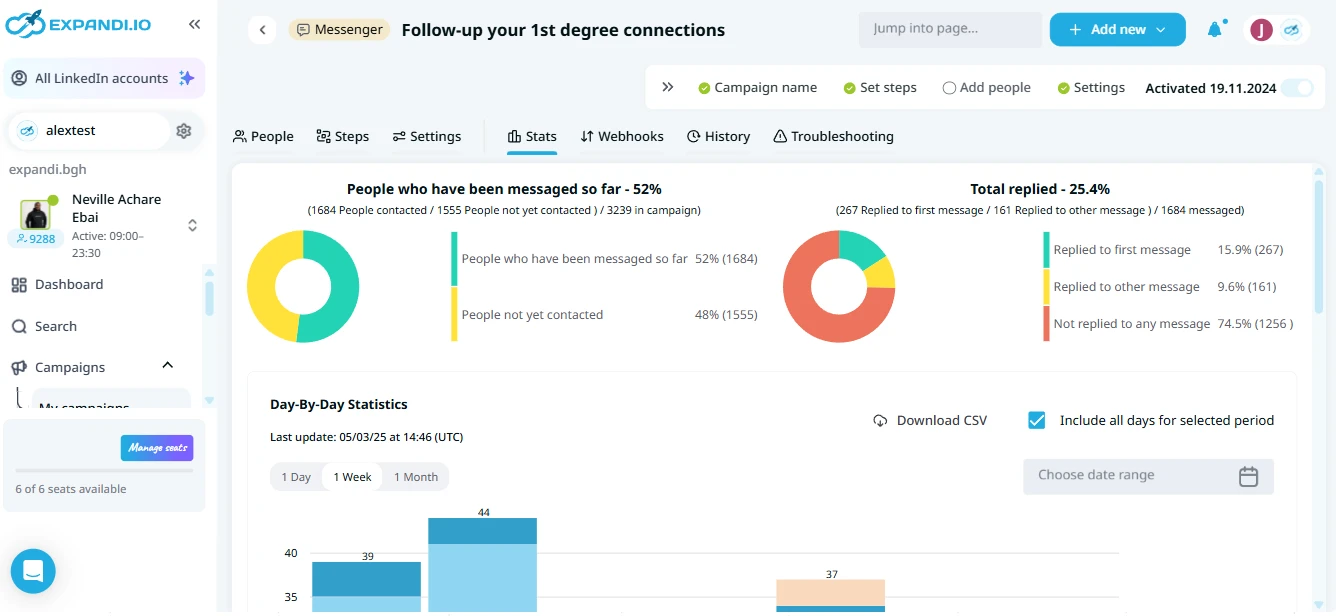
Why it made the list: Expandi sits around 4.2/5 on G2 and slightly higher on Capterra, based on independent reviews collected from both platforms. The proof point that stands out most is architectural: Expandi assigns a dedicated, country-matched IP address to each connected LinkedIn account, which is a genuine differentiator from tools that route activity through shared infrastructure.
Reviewers consistently praise the responsiveness of customer support, particularly during onboarding. The recurring complaint, echoed across G2, Capterra, and independent testing write-ups, is a steeper learning curve than competitors — several reviewers describe the interface as busy or non-intuitive when setting up more advanced workflows, plus non-transparent Agency-tier pricing that requires a sales call rather than a published rate.
Notable capabilities:
- Dedicated IP addresses per account to reduce ban risk
- Auto-warmer feature that gradually increases activity for new accounts
- Support for LinkedIn Sales Navigator and Recruiter Lite
- Image and GIF personalization in messages
Best for: Agencies managing outreach across several client accounts who need account-level isolation and safety controls.
3. Waalaxy
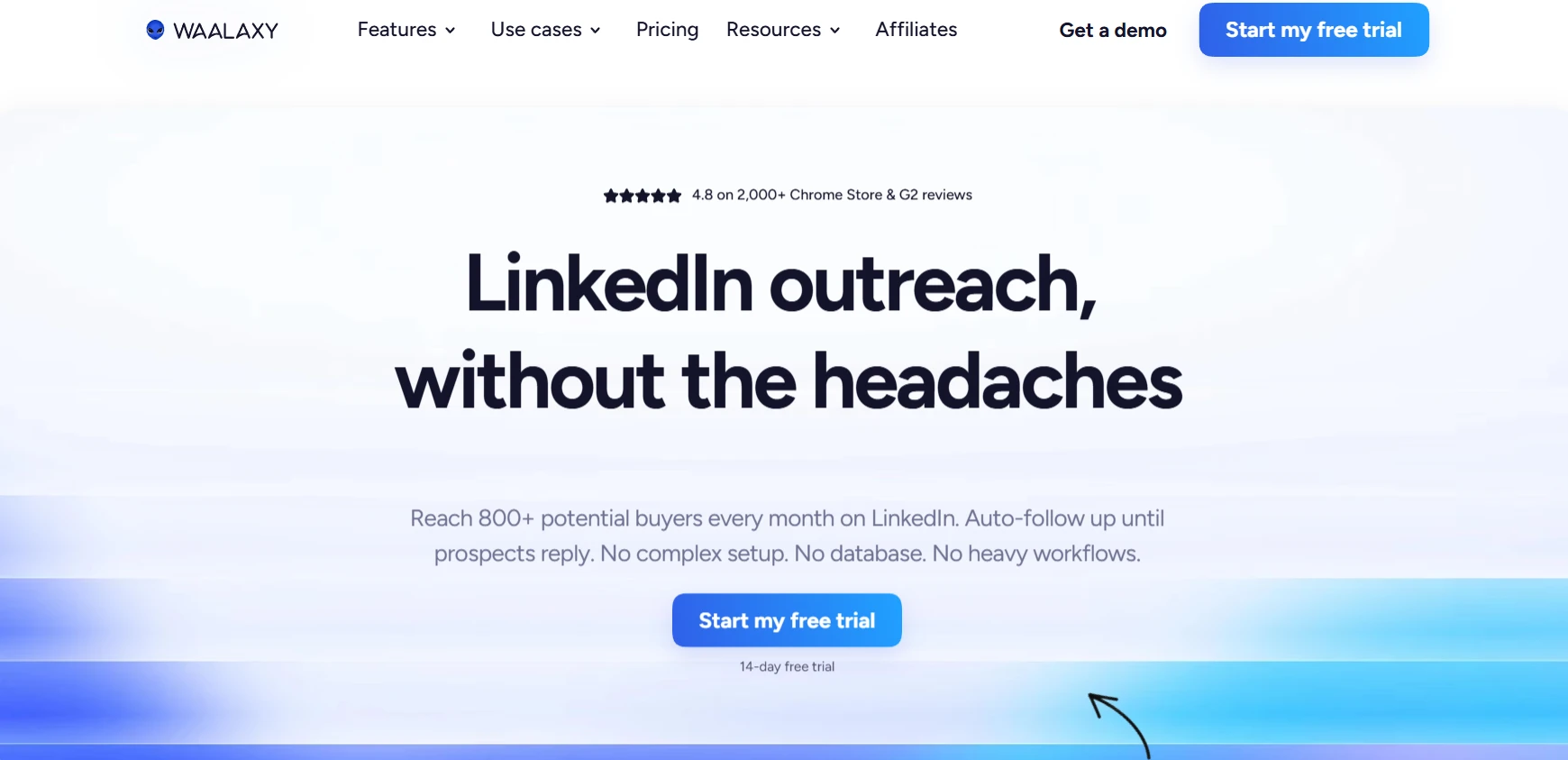
Waalaxy runs as a Chrome extension rather than a cloud tool, which makes it easier to set up but slightly more dependent on your browser session staying active. It's popular with freelancers, recruiters, and small businesses because of its low price point and simple interface.
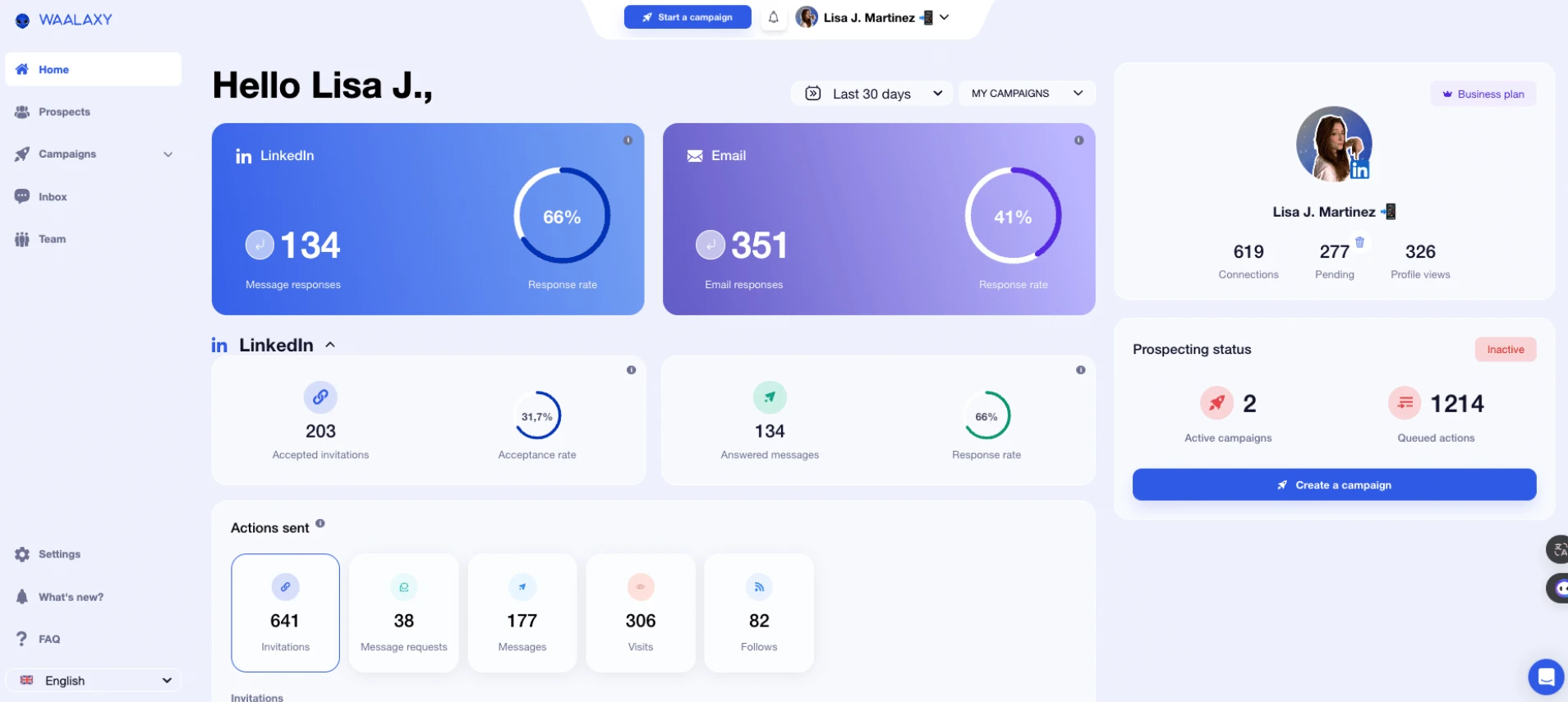
Why it made the list: Waalaxy is the highest-volume tool on this list by user count, with over 100,000 active users and G2 review totals in the range of 700–1,300+ depending on when the listing is pulled, averaging around 4.5–4.6/5. That combination of scale and consistency across a large sample is a stronger trust signal than a high rating from a small review pool. It also offers a permanent free tier (roughly 80 invitations per month), which lets prospective buyers test real functionality before paying — something few competitors on this list offer.
The most common criticism, visible across G2 and independent reviews, is that its email-sending deliverability lags behind dedicated cold-email tools, and several long-time users have flagged price increases over the past two years as the product has added features.
Notable capabilities:
- Prebuilt sequence templates for common use cases (recruiting, sales, networking)
- Free plan available for light users
- CSV import for building lists outside of LinkedIn
- Basic email finder built into the platform
Best for: Solo users, freelancers, or small teams testing LinkedIn automation for the first time on a limited budget.
4. Zopto
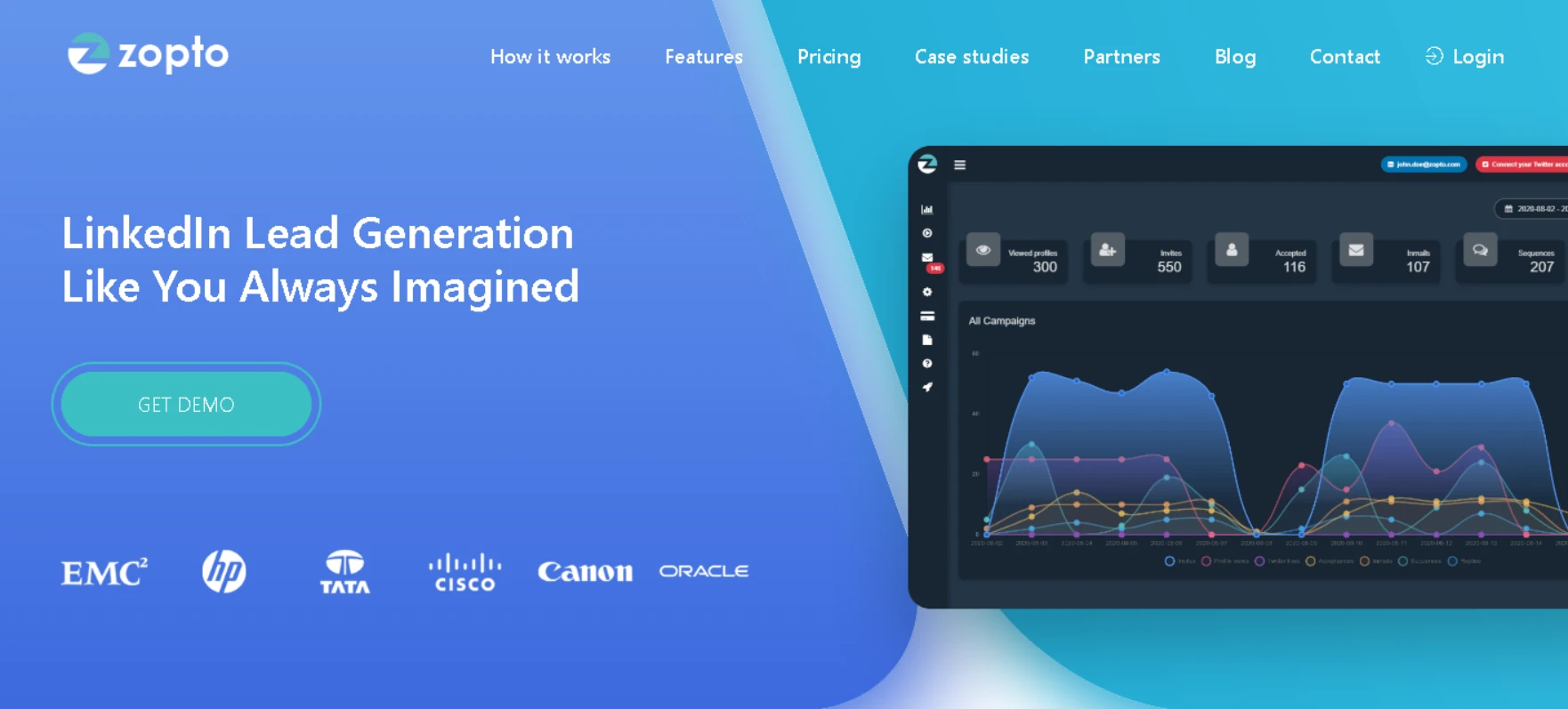
Zopto is a cloud-based platform aimed at B2B teams running higher-volume outreach. It offers granular targeting options, including filtering by company size, industry, and job title, which makes it useful for account-based marketing strategies.
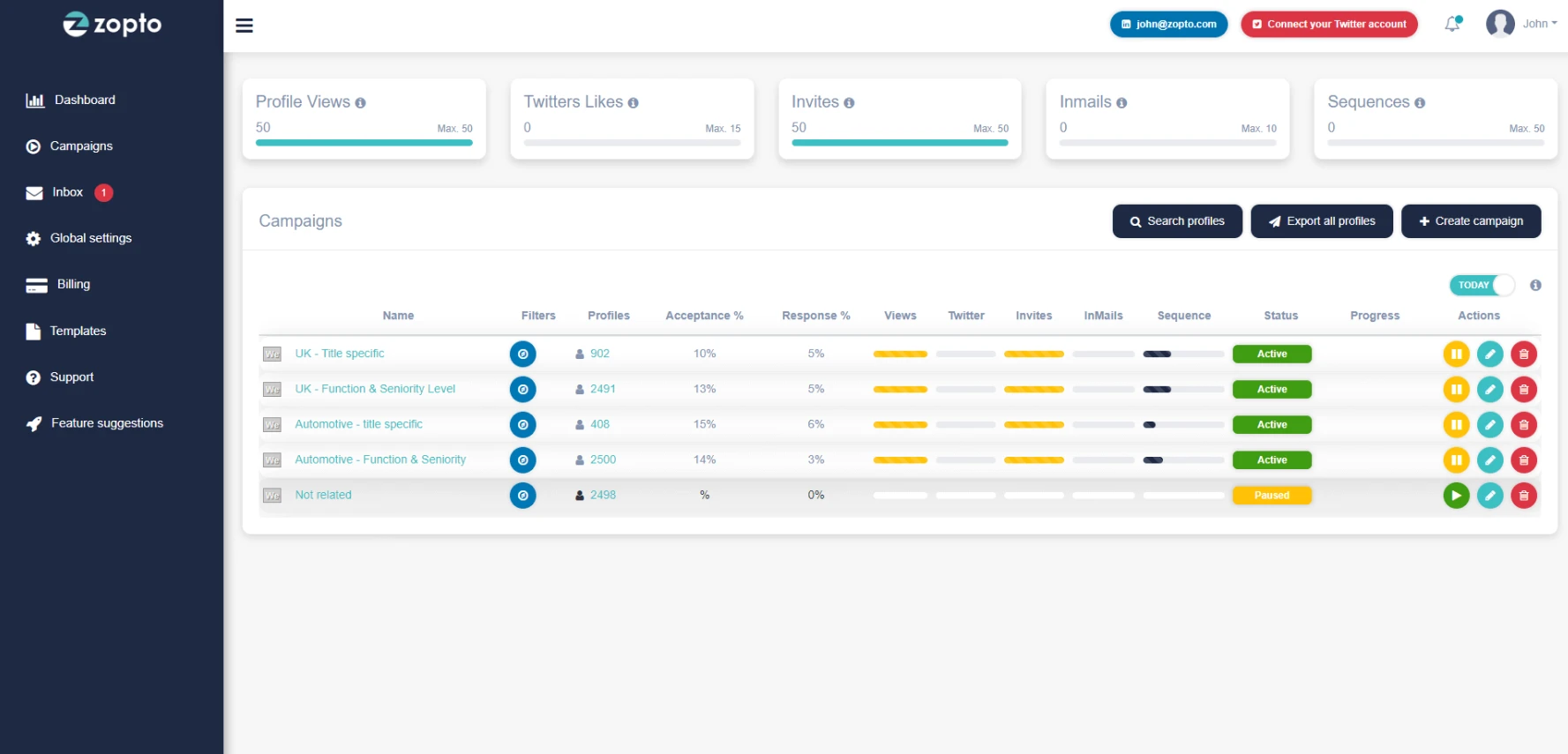
Why it made the list: Zopto's G2 review volume is smaller than the other cloud tools on this list (roughly 70–90 reviews), so we weighted it more cautiously — but the sentiment within that smaller sample is consistently positive, with reviewers repeatedly highlighting the targeting filters and a hands-on customer success team as reasons they stuck with the platform. Trustpilot reviews skew even more positive, with a near-5-star average across dozens of reviews, though Trustpilot samples tend to be smaller and more self-selected than G2's. The recurring downside mentioned across review sites is inconsistent invite and reply performance during certain periods, along with a cancellation process some users describe as unfriendly.
Notable capabilities:
- Advanced filters for building highly targeted prospect lists
- Multichannel sequences combining LinkedIn and email
- Real-time campaign reporting
- Dedicated account manager on higher-tier plans
Best for: B2B teams running account-based outreach that requires precise targeting criteria.
5. Meet Alfred
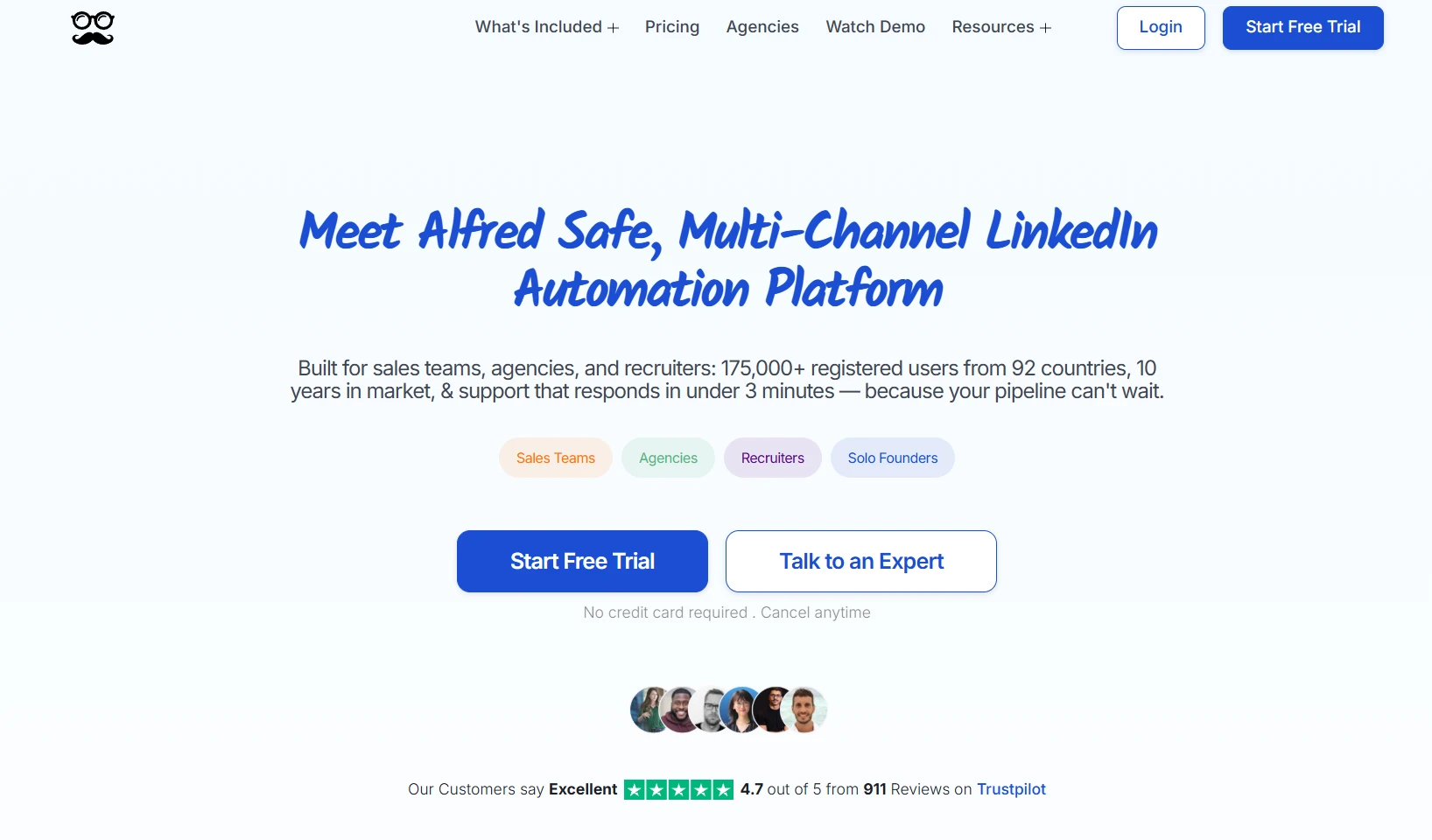
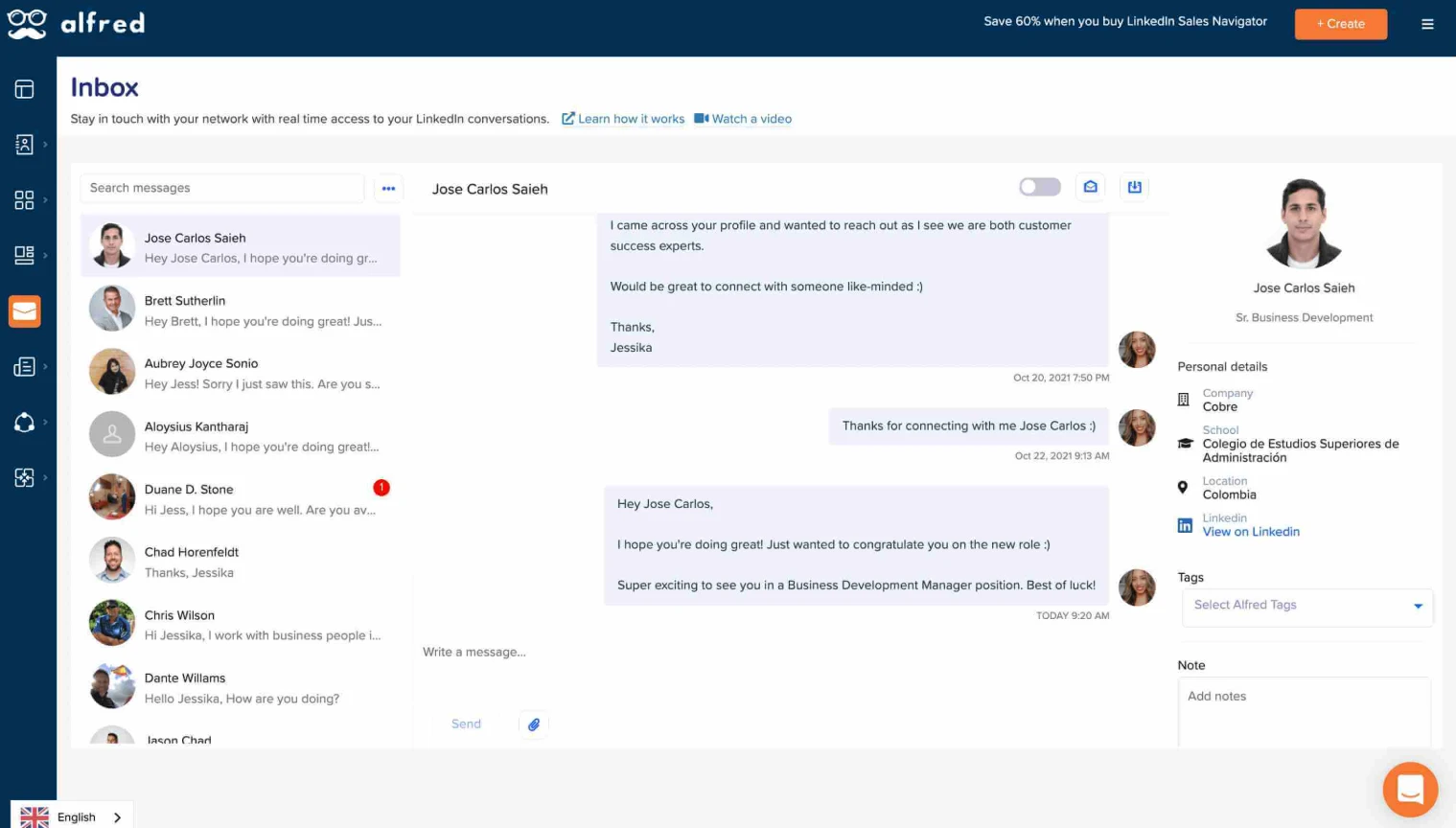
Meet Alfred combines LinkedIn, email, and Twitter/X outreach into a single sequence builder, which appeals to teams running coordinated multichannel campaigns rather than LinkedIn-only outreach. It's included here for its breadth of channel support, but it comes with a caveat worth stating plainly.
Why it made the list — and the tradeoff to know: Meet Alfred's G2 rating sits meaningfully lower than every other tool on this list, generally in the 3.3–3.4/5 range, and its Capterra score is lower still. The most consistent complaint across G2, Capterra, and Reddit is slow customer support and a documented pattern of LinkedIn account restrictions. On the upside, it claims a large installed base (150,000+ registered users across 92 countries) and offers genuinely wide channel coverage — LinkedIn, email, and X in one sequence — which few competitors match. If channel breadth is your top priority and you're comfortable with a lower average satisfaction score than the rest of this list, it's worth a trial. If account safety and support responsiveness matter more, Expandi or Dripify are the safer bet.
Notable capabilities:
- Unified inbox for managing replies across channels
- A/B testing for message variants
- Team collaboration tools with shared templates
- CRM sync for pushing engaged leads downstream
Best for: Teams that specifically need LinkedIn, email, and X combined in one sequence and are willing to trade some reliability for that breadth.
6. Lemlist (with LinkedIn Outreach)
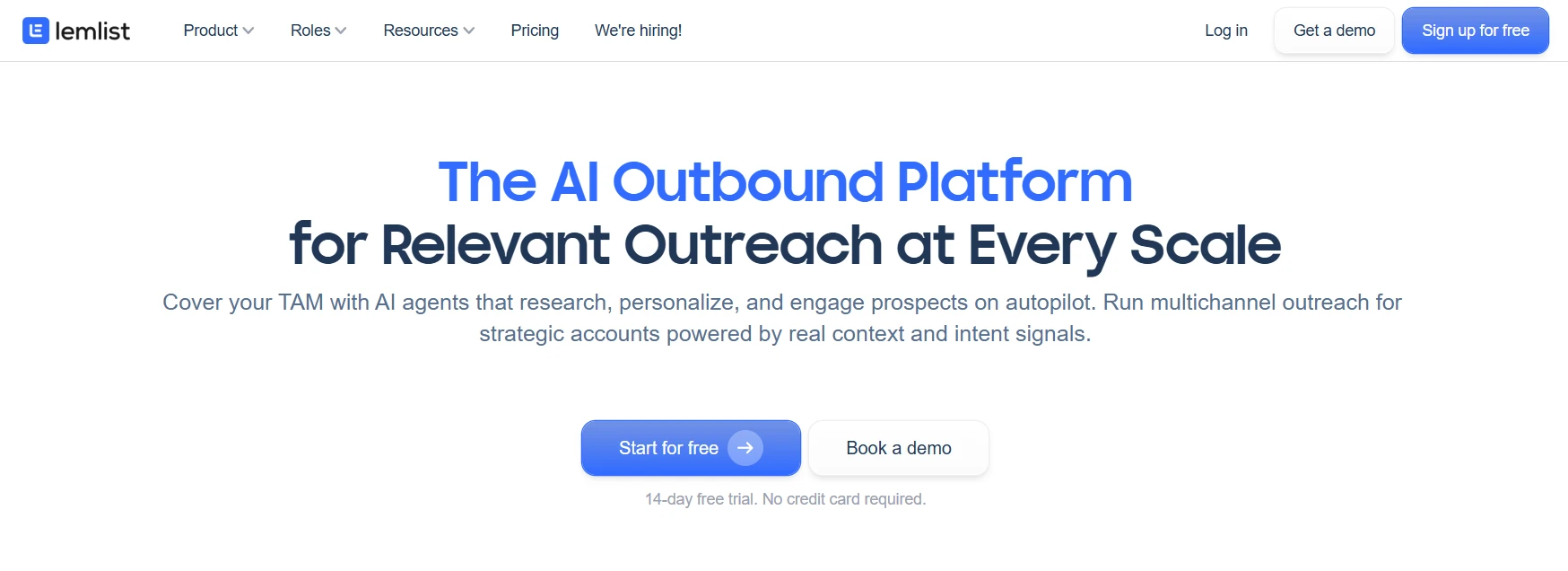
Lemlist built its reputation on cold email personalization and has since added LinkedIn outreach capabilities, making it a strong option for teams that want one platform for both channels rather than juggling separate tools.
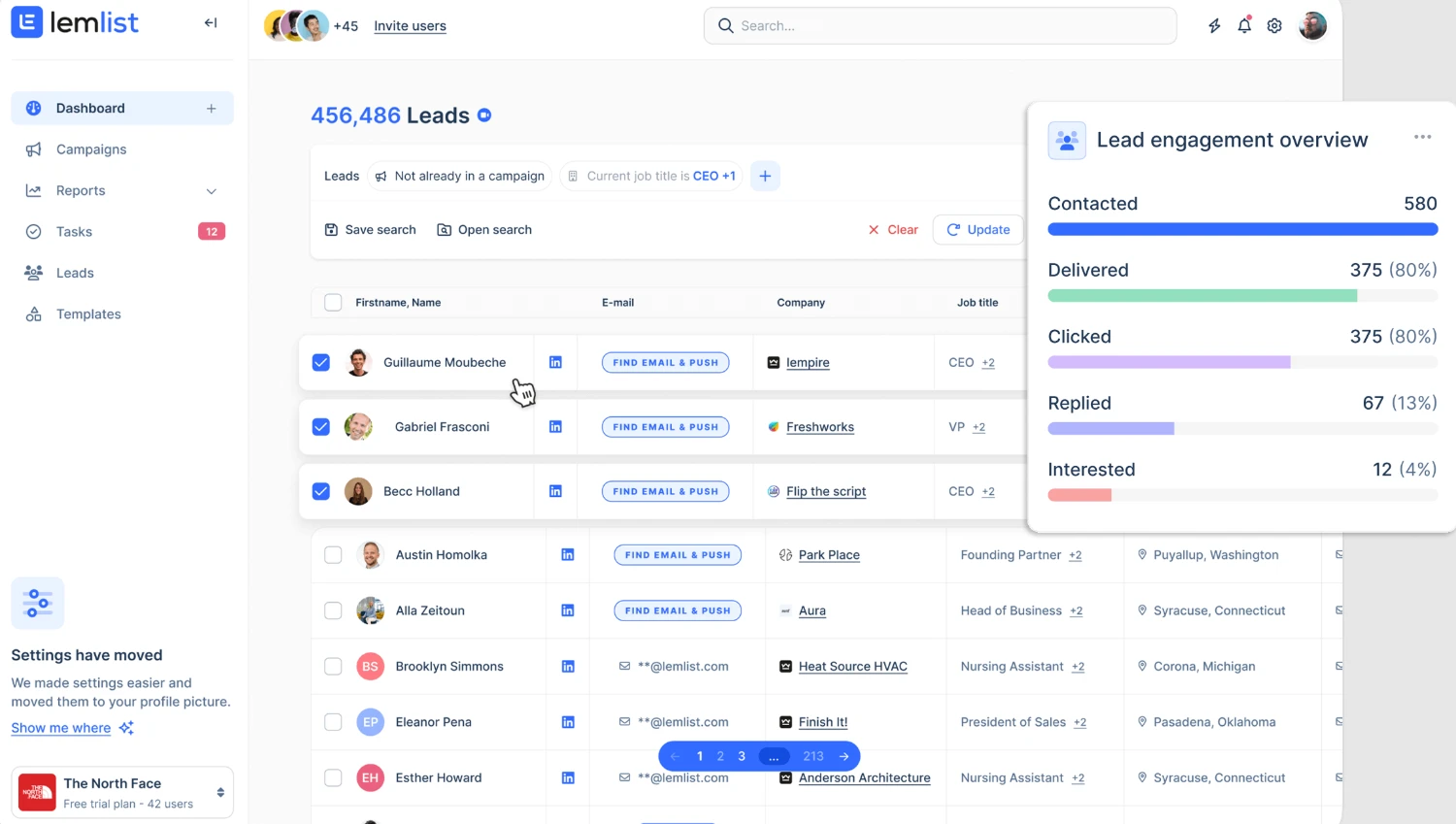
Why it made the list: Lemlist has one of the strongest and most consistent review profiles on this list — around 4.6/5 on G2 across 1,400+ reviews, with Capterra and Trustpilot scores in a similar range. That's a large enough sample across three independent platforms that the rating is hard to dismiss as an outlier. Reviewers most often cite the personalization engine (dynamic images, video, and text variables), included email warm-up, and customer support as reasons for the high marks.
The clearest limitation, flagged consistently across independent reviews, is that LinkedIn automation is gated behind its higher-priced Multichannel plan, and the LinkedIn steps themselves run through a browser extension rather than Lemlist's cloud infrastructure — meaning teams whose outreach is primarily LinkedIn-first may get better LinkedIn-specific results from a dedicated tool like Dripify or Expandi, using Lemlist mainly for its email strength.
Notable capabilities:
- Image and video personalization at scale
- Deliverability tools to protect email sender reputation
- LinkedIn + email combined sequences
- Extensive integration marketplace
Best for: Teams whose outreach strategy leans heavily on email but want LinkedIn touchpoints woven into the same sequence.
How to Choose the Right Tool for Your Team
There's no single "best" tool for every situation — the right choice depends on three factors:
- Team size. Solo users and freelancers often do fine with a lighter, extension-based tool like Waalaxy, especially given its free tier. Sales teams managing multiple reps benefit more from cloud platforms like Dripify or Zopto that offer team dashboards and centralized reporting.
- Risk tolerance. If protecting your LinkedIn account is a top priority, cloud-based tools with dedicated IPs, built-in safety limits, and warm-up periods — Dripify and Expandi in particular — are worth the extra cost over cheaper browser extensions. The review data on Meet Alfred is the clearest illustration of what happens when that architecture and support quality lag behind.
- Channel strategy. If your outreach is LinkedIn-only, a dedicated LinkedIn tool will likely serve you better than a multichannel platform. If you're already running cold email and want to layer LinkedIn on top, a combined tool like Lemlist may reduce tool sprawl, even if its LinkedIn layer isn't as deep as a LinkedIn-native platform.
Most teams starting out do well by trialing one cloud-based option first — Dripify is a common starting point given its balance of review volume, safety architecture, and team features — before adding a second tool for specific use cases like account-based targeting or email-heavy multichannel sequencing.
Final Thoughts
LinkedIn automation tools save time, but they're not a replacement for a solid outreach strategy. The most successful campaigns still start with a clearly defined target audience, a message that addresses a real pain point, and a follow-up cadence that doesn't feel robotic. Automation just makes it possible to execute that strategy at scale without spending your entire day clicking through profiles one at a time.
Ratings and review counts shift over time, so it's worth checking each platform's current G2 and Capterra listing before committing to an annual plan. Most of the tools listed above offer free trials, which is the fastest way to see how each one fits your actual workflow.