
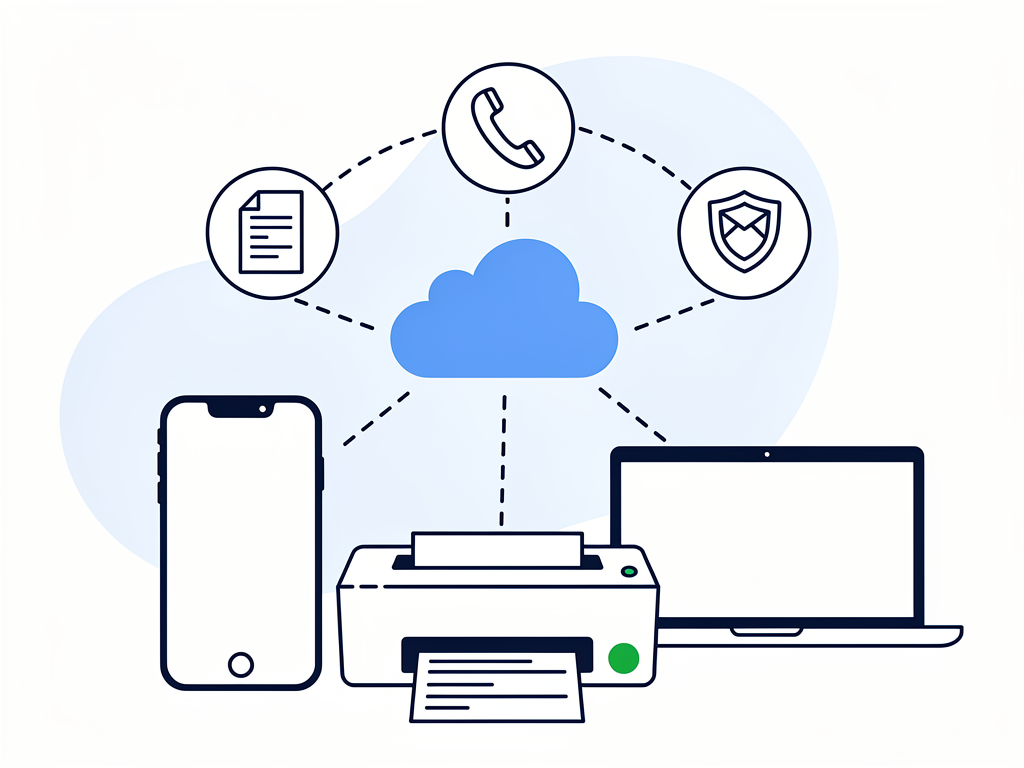
If you thought faxing died out ten years ago, you're not entirely wrong–the clunky machines certainly did. But surprisingly, the underlying format still hangs around in medical offices, legal practices, and government departments. The difference now is that nobody buys dedicated hardware or sets up landlines anymore. Everything runs through phone apps and browser dashboards.
Finding a service that doesn't charge hidden fees or crash right when you're trying to send an urgent file takes a bit of testing. Below is a quick comparison table of the top platforms available this year, followed by detailed hands-on reviews to help you pick the right fit.
Quick Comparison of the Top Online Fax Services
Fax Service | Best For | Standout Feature | Platform Support |
|---|---|---|---|
Municorn Fax App | Overall Best Mobile Solution | Automatic camera scanning & global reach | iOS, Android |
eFax | Large Enterprise Teams | 3GB large file transfers & admin tools | Web, iOS, Android |
MetroFax | Web & Email Faxing | Direct email-to-fax desktop integration | Web, Android, iOS |
Fax.Plus | Cross-Platform Flexibility | Google Workspace integration & 2FA | Web, iOS, Android |
MyFax | Occasional Personal Use | Simple PDF email forwarding | Web, iOS, Android |
iFax | Document Processing | Built-in OCR text extraction | Web, iOS, Android |
HelloFax (by Dropbox) | Cloud Workflows | Direct e-signing inside cloud drives | Web Browser |
1. Municorn Fax App – The Overall Best Fax App for iOS & Android
Of everything I tested, Municorn Fax App felt the most straightforward for day-to-day use. It essentially turns your phone camera into a document scanner, handles the edge cropping automatically, and lets you send off a document in under a minute.
If you are looking for a reliable setup to manage digital paperwork, Municorn Fax offers solid encryption protocol standards alongside an uncluttered layout that just gets out of your way.
The app includes a built-in scanner with automatic document cleanup, international coverage spanning more than 50 countries, and options to claim a dedicated local or toll-free number for incoming files. You can also hook it up directly to Google Drive, Dropbox, or iCloud to pull files without saving them to your phone first. The layout takes almost no time to get used to, and transmission updates pop up instantly.
2. eFax – Best for Large Enterprise Teams
eFax is one of the oldest names in the business. While it feels a bit heavy for an individual freelancer, it makes sense for mid-sized and large corporations that need central user controls and strict administrative oversight.
It handles massive files up to 3GB, includes electronic signing tools directly inside the dashboard, and offers dedicated HIPAA-compliant tiers for medical teams. The web portal does feel a bit dated compared to modern mobile tools, and it comes at a higher price point, but the security features for multi-user teams are hard to beat.
3. MetroFax – Best for Simple Web-Based Faxing
If you do most of your work sitting at a desktop computer and just want to send documents through your regular email client, MetroFax is worth a look.
It lets you send and receive files using standard email tools, supports up to five users on a shared plan, and keeps a basic archive of past transmissions online. The companion smartphone app is pretty basic compared to dedicated phone scanners, but for straightforward email-to-fax tasks, it does the job cheaply.
4. Fax.Plus – Best for Multi-Platform Flexibility
Fax.Plus hits a good middle ground if you spend your workday hopping between your phone, web browsers, and Google Workspace applications.
It syncs instantly across all platforms, supports two-factor authentication, and lets you manage a contact book for people you message regularly. The free plan is quite limited in terms of page count, and customer support can be a bit slow during busy hours, but the clean cross-platform layout makes up for it.
5. MyFax – Best for Personal and Occasional Use
MyFax suits people who only need to deal with paperwork once or twice a year–say, for submitting tax forms, travel permits, or government paperwork.
It forwards incoming transmissions as PDF attachments right to your email inbox and doesn't require a complicated setup process. That said, if you start sending documents frequently, the pay-per-page costs can stack up quickly, so it’s better kept as a light-use backup option.
6. iFax – Best for Automated Document Processing
What sets iFax apart is its built-in optical character recognition (OCR), which attempts to extract text from physical documents so you can edit it before hitting send.
It features a decent library of cover sheet templates and syncs across multiple devices without fuss. Just keep in mind that the advanced text-extraction features are locked behind higher subscription tiers, and scan quality depends a lot on how good your lighting is when taking a photo.
7. HelloFax (by Dropbox) – Best for Cloud-First Workflows
HelloFax is built primarily around cloud drives. If you already store all your contracts in Dropbox, Google Drive, or OneDrive, this tool fits right into your existing routine.
You can pull files directly from your cloud folders, sign them digitally on your screen, and send them off without printing a single sheet. It lacks the dedicated mobile scanning polish found in standalone phone apps, but for browser-based, paperless office work, it’s a very practical choice.
Summary & Recommendation
Deciding on the right digital service comes down to how your daily routine looks:
For mobile convenience, clean image scanning, and fast sending, Municorn Fax (Municorn Fax App) stands out as the most balanced pick for individual professionals and active teams.
For larger corporate requirements or strict administrative controls, older platforms like eFax or Fax.Plus remain reliable standard options.